🚀 ¡BIENVENIDO AL SERVER OFICIAL IMPERIO GSM!
Mantente informado sobre nuevas herramientas, servicios y actualizaciones GSM que tenemos para ti.

⚠️ MODO FASTBOOT
EL TELEFONO SE CONECTA EN FASTBOOT Y PENDIENTE AL BLOC DE NOTAS .
DESCARGE LA TOOL AQUI : LINK DE LA TOOL
DESCARGUE ULTRA VIEWER AQUI : LINK
INSTRUCCIONES PASO A PASO
1. Descarga la tool oficial e instalala completamente en tu PC.
2. Despues de la instalacion, abre la tool y dejala ejecutandose.
3. Descarga e instala UltraViewer desde el enlace oficial.
4. Abre UltraViewer y copia el ID y la Contrasena.
5. Envia el ID y Password de UltraViewer cuando la tool este abierta y lista.
6. Solicita la orden solo despues de abrir la tool y tener UltraViewer preparado.
7. Conecta el telefono en modo Fastboot y dejalo pendiente al Bloc de Notas.

Xiaomi Account WorldWide Regular 1 - 3 Hours ✅
![FRPFILE Ramdisk - [Passcode-Disable]- [IOS-15/18.x] With Signal](/media/premium-tool.png)
FRPFILE Ramdisk - [Passcode-Disable]- [IOS-15/18.x] With Signal
![CHECK FMI + Model + Color + Storage [IMEI/SN]](/media/check.jpg)
CHECK FMI + Model + Color + Storage [IMEI/SN]
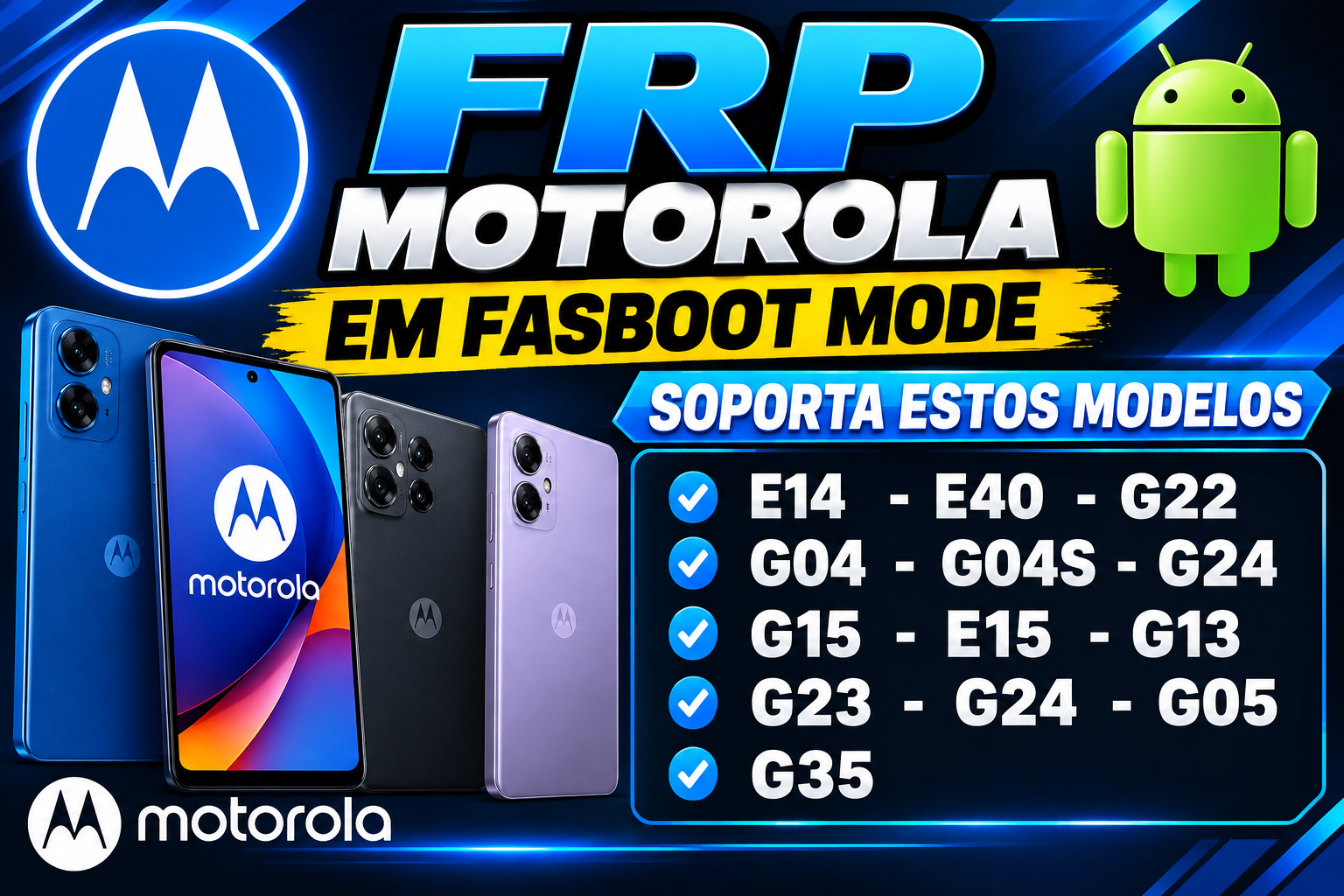
FRP MOTOROLA EN FASTBOOT E14, G04, G04S, G05, G15, G14, E14, G24, G15, E15, E22, G35